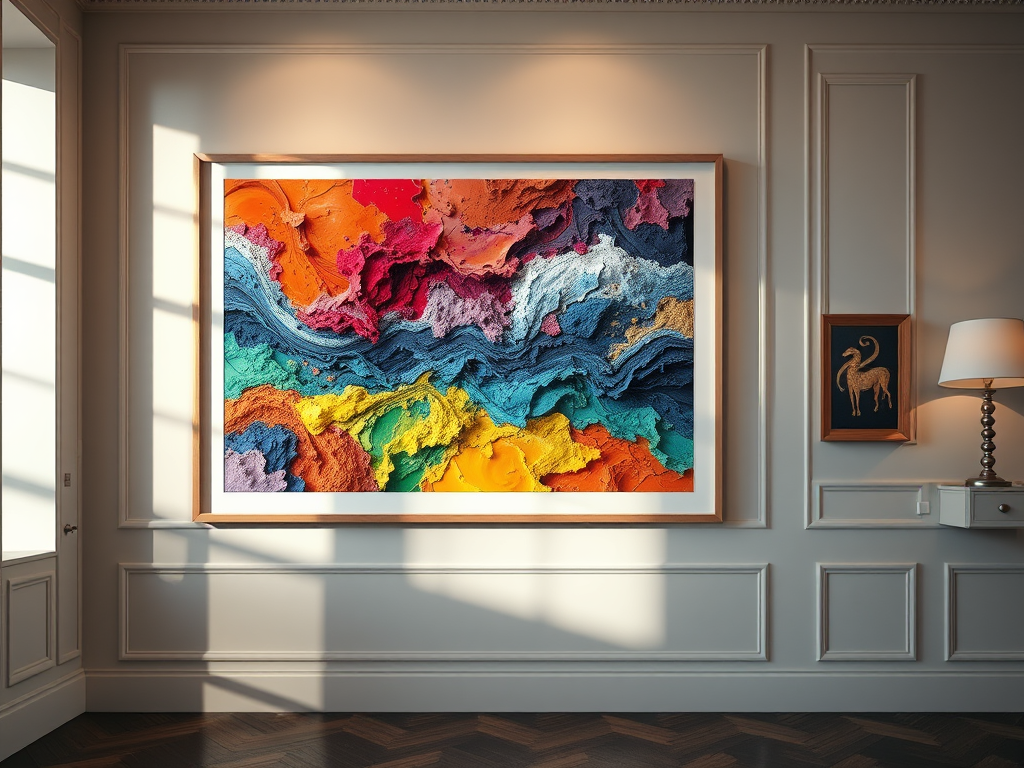
This article focuses on covering different options for creating images of your digital artwork or photography for usage in various settings such as web and social media. We’ll walk you through 4 different options along with the pros and cons of each. We’ll also give you some useful tips and tricks on how to make the process as pain free as possible.
If you are creating mockup images for usage on our artist selling platform (coming soon) its always best to size your images at around 822[w] x 528[h] pixels. We encourage people to use a mixture of close-ups and mockups to best showcase their work.
Generally speaking there are 4 options that you can consider for creating beautiful mockups of your artwork. Below is a quick summary, after which we’ll talk about each one in a little more detail.
| Option | Benefits | Drawbacks |
| *Recommended* Buy ready made mockup packs from Etsy | Very inexpensive Really excellent qualityWide range of options | You still have to pay to buy them Sizes of the frames may not be ideal for your needs You need some image editing skills, but really minimal |
| Leverage online mockup tools | Very hassle free Low cost | Can sometimes feel quite unnatural and lack authenticity Limited mockups available to choose from |
| Create mockups in Photoshop | Low cost More control | You either need to be good in Photoshop or pay someone else who is Still usually requires purchasing staged settings |
| Print, frame and photograph works yourself | Looks more natural and authentic If you have the kit and knowledge, can be inexpensive | You’ll need your work printed and framed Could become expensiveTime consuming |
 FinePrint Studio